


VPS hosting at unbeatable prices on Dell Enterprise Servers, now at up to 18% OFF


VPS hosting at unbeatable prices on Dell Enterprise Servers, now at up to 18% OFF
Save up to 94% on IONOS Web Hosting. Get hosting from just $1/month with a free domain, SSL certificate, daily backups, and 99.99% uptime.
Up to 18% off on IONOS Cloud Hosting Plans
Get High-performance Windows VPS at unmatched value at 9% discount.
Up to 94% OFF on IONOS Python Hosting
Save on IONOS WordPress Hosting. Get WordPress hosting from just $1/month with AI website tools, a free domain, SSL, email, and automatic backups included.
Host your agents on fast and affordable VPS+


| Description | Discount | Coupon Code | |
|---|---|---|---|
| Up to 94% OFF All Web Hosting Plans (Including a free domain) | 94% OFF | Auto-Applied | Show Deal |
| Up to 93% on WordPress Hosting (Including a FREE domain) | 93% OFF | Auto-Applied | Show Deal |
| Up to 18% OFF VPS Linux Hosting Plans | 18% OFF | Auto-Applied | Show Deal |
| Up to 96% OFF IONOS Website Builder | 96% OFF | Auto-Applied | Show Deal |
| Up to 18% OFF IONOS Cloud Hosting Plans | 18% OFF | Auto-Applied | Show Deal |
| Up to 18% OFF OpenClaw VPS Hosting Plans | 18% OFF | Auto-Applied | Show Deal |
First, pick the IONOS Linux Hosting coupon or promo code you want to use.
Then, go to the IONOS website and browse the available hosting plans.

Choose the plan that fits your project, then click “Configure” to start setting it up.

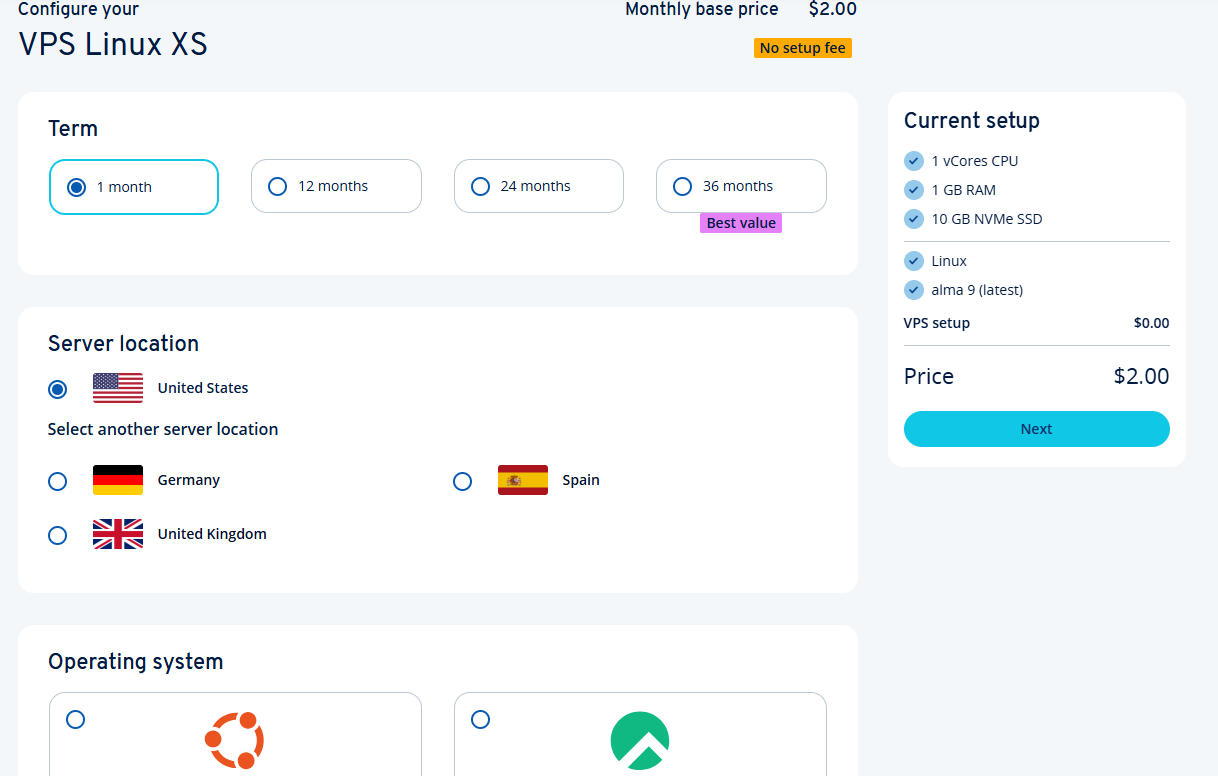
On the next page, select your server options and any extra features you want, then click “Next” to continue.
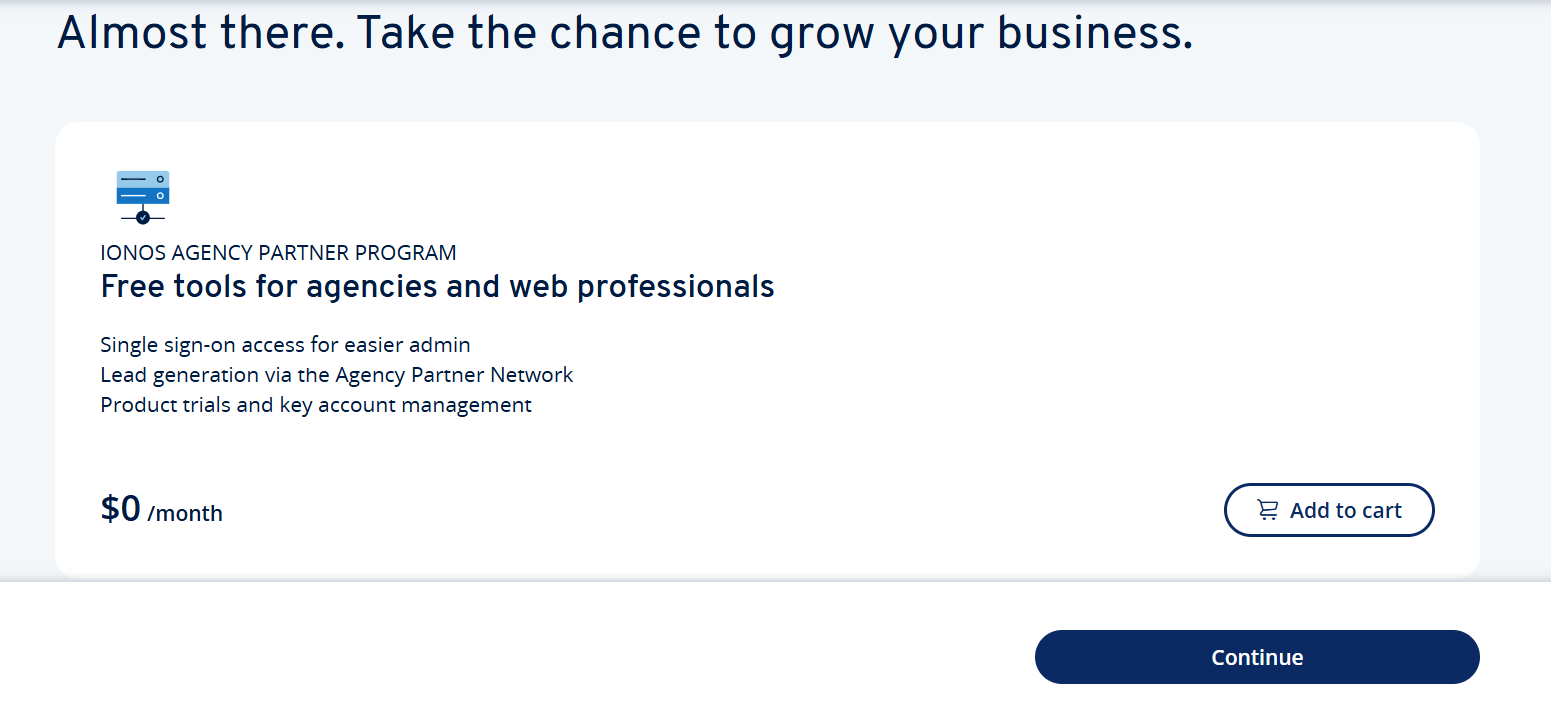
You will then have the option to join the IONOS Agency Partner Programme. Depending on your preference, you can accept this offer or skip it.
Next, review your shopping cart. You can add domain names or extra services if needed.
If you have a promo code, click the “Add a promo code” prompt and paste your IONOS Linux Hosting coupon code into the field.
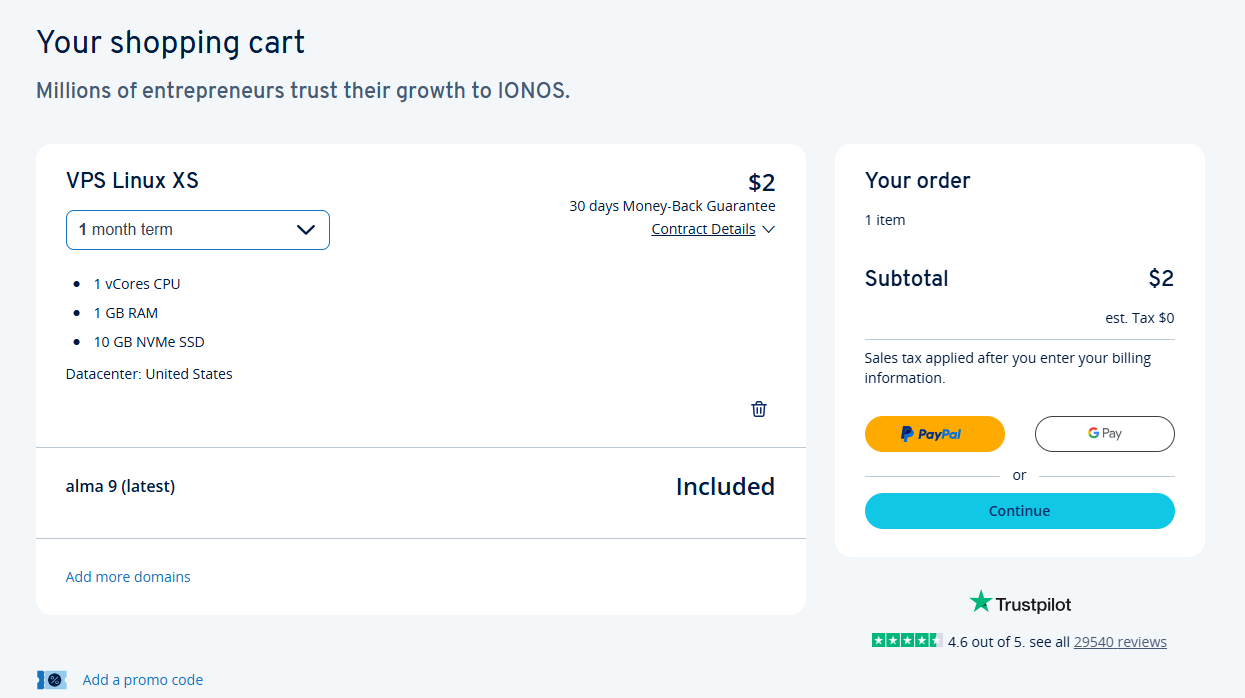
Once your cart looks right, click “Continue.”
If you want to pay with PayPal, you may be able to check out right away. Otherwise, click “Continue to checkout.”
Create a new IONOS account or sign in if you already have one.
After that, enter your personal details, billing information, and payment method.
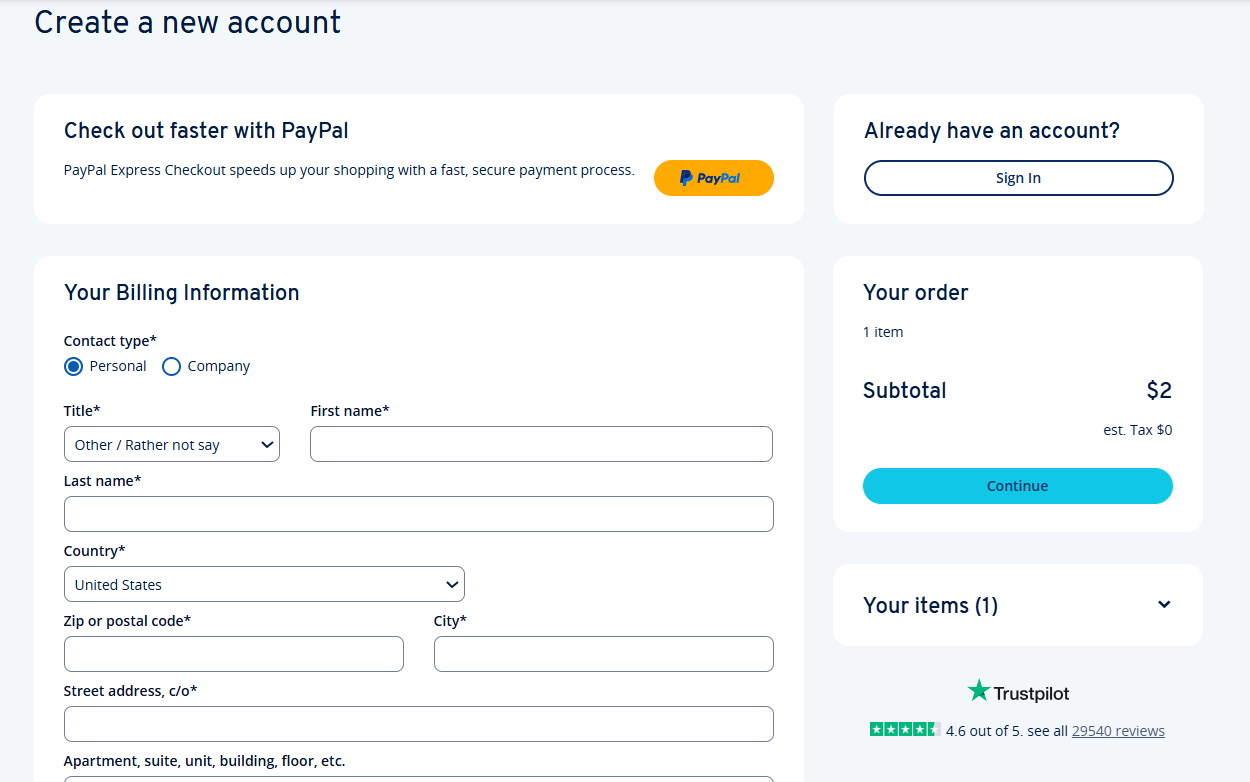
Before you finish the order, check the final summary to make sure your IONOS Linux Hosting coupon code or discount has applied.
Once everything looks good, complete your payment to activate the deal.
If your IONOS Linux Hosting coupon code is not working, try these quick fixes before checking out:
No, IONOS usually allows only one coupon code or promotional offer per order.
If you have several IONOS Linux Hosting coupons, choose the one that gives you the best discount for your hosting plan.
You usually cannot stack multiple promo codes in one checkout.
If you want to use another offer, you may need to place a separate order for a different IONOS product.
IONOS Linux Hosting coupons are usually aimed at new customers or new service orders.
Existing customers may not always qualify for the same first-time Linux hosting deals.
That said, current users can still check their IONOS dashboard, promotional emails, upgrade options, or support team for any account-based offers.
Check these IONOS coupon pages to find a deal that matches the type of hosting or online project you’re working on.
IONOS is a hosting and cloud provider with Linux hosting, VPS hosting, domains, servers, email, and online business tools.
Its Linux hosting options can work well for websites, apps, open-source projects, developers, and users who want more control over their hosting setup.
IONOS is also a solid choice if you want scalable hosting, reliable infrastructure, and support for projects that may grow over time.
Please read our complete IONOS review to learn more.
IONOS Linux hosting includes high-speed SSD storage, scalable plans, SSL certificates, daily backups, and 24/7 support. With a user-friendly control panel, one-click app installs, domain tools, and email hosting, it’s built for reliable, easy-to-manage performance.
IONOS shares new coupon codes during seasonal sales, holidays, and special promotions. There’s no set schedule, so check their website, sign up for the newsletter, or follow them on social media to stay updated.
To save more with IONOS, apply promo codes at checkout, look for seasonal deals, and bundle services like domains and hosting. Longer-term plans also lower monthly costs. Stay updated via their website or newsletter.
IONOS Linux hosting starts around $1–$5/month for shared plans, while VPS and dedicated servers range from $10 to $50+ depending on features. Check their site or contact sales for current prices and deals.
IONOS offers a variety of popular Linux distributions for its VPS and dedicated hosting plans, including Ubuntu, Debian, CentOS, and openSUSE—each in multiple versions. Whether you need a lightweight dev setup or a robust production environment, you can choose what fits best. All options come with full root access, regular security updates, and easy reinstallation when needed.
