


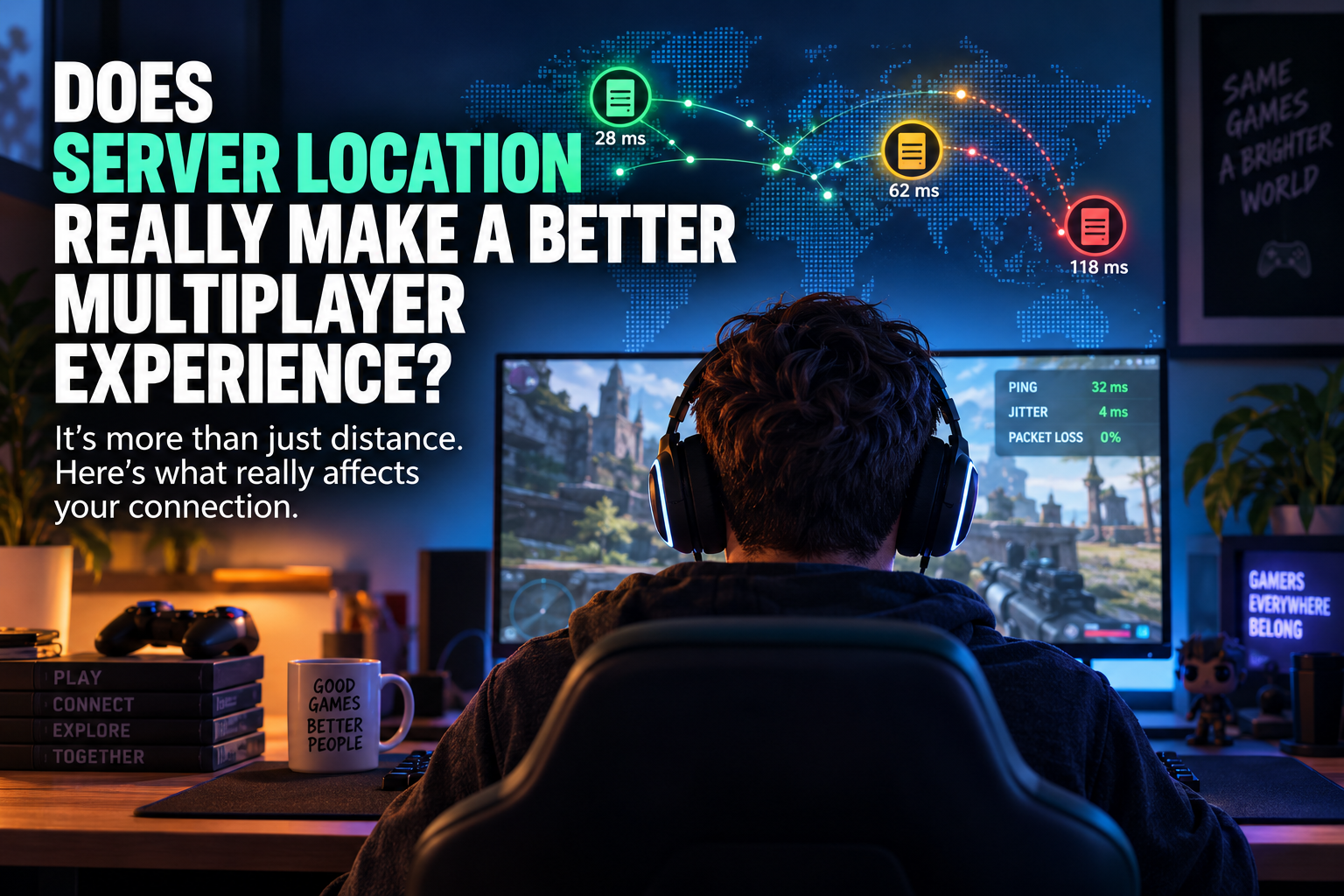

The idea that the nearest server will always give you the best multiplayer experience sounds logical, but it doesn’t always work that way. A server in the city next door can still deliver a pretty uneven co-op session if the network routes are congested, indirect or simply unreliable.
That’s because responsiveness depends on more than physical distance. When you connect to a multiplayer server, your data doesn’t travel in a straight line from your device to the data center. It passes through networks operated by internet service providers, transit providers and other infrastructure along the way.
The route that traffic takes can make a surprisingly big difference. A geographically close server with poor routing could perform worse than one hundreds of kilometers farther away that’s connected through a cleaner and more stable network path.
You’ll notice that difference most in games where timing matters. A small delay might barely register in a slower strategy game, but it can become painfully obvious in a shooter, racing game or competitive fighting game. Even in co-op games, unstable connections can result in delayed actions, players jumping around the map or interactions that don’t register when they should.
Multiplayer subscriptions can make it easier to bring friends together in the same games regardless of where they’re located. A subscription such as Game Pass Premium can help with access, for example, but once everyone is playing, the quality of the experience still depends heavily on the infrastructure behind the game.
Server location matters. It just shouldn’t be the only thing you look at.
Latency-aware hosting is all about player data
Start with your players rather than the map.
Find out where your active players are located and build a rough heat map of your community. From there, you can test different data center locations and see how well they actually perform for the people who’ll be connecting to them.
Latency is the time it takes data to travel between the player and server. Jitter measures how consistent those travel times are, while packet loss happens when some of the data doesn’t reach its destination at all.
Look at those measurements together and you’ll get a much better picture than you would from a simple ping test.
Average latency on its own can actually be misleading. Imagine one server consistently delivers around 45 ms, while another normally manages 30 ms but regularly spikes above 100 ms. The second location looks faster on paper, but the first could provide the smoother experience because its connection is much more predictable.
Jitter becomes particularly important here. When packets arrive at inconsistent intervals, the game has to compensate for those variations. Depending on how the game handles networking, players might notice stuttering, delayed movement or sudden corrections to where characters appear on screen.
Packet loss can be even more disruptive. Multiplayer games are constantly exchanging information about movement, actions and the current state of the game. If some of those packets disappear along the way, the game may need to resend information, compensate for what’s missing or simply continue without it.
The goal isn’t necessarily to find the location with the lowest possible ping for one group. It’s to find the best balance for your community as a whole.
For example, if your players are spread across Western and Central Europe, placing the server directly beside the largest group isn’t automatically the best option. A more central location with stronger connections to several major networks could provide a more consistent experience across the entire community.
Test at different times of day as well. A route that performs perfectly in the morning might behave very differently when residential networks become busy in the evening. One quick latency test won’t tell you what the experience will be like on a Friday night when everyone logs in.
Don’t confuse bandwidth with responsiveness
Another common mistake is assuming that a fast internet connection automatically means a responsive multiplayer server.
Bandwidth and latency aren’t the same thing.
Bandwidth tells you how much data a connection can carry, while latency tells you how long that data takes to travel. You can have plenty of available bandwidth and still experience noticeable lag if packets are traveling through an inefficient or congested route.
That’s why simply upgrading bandwidth doesn’t necessarily fix multiplayer lag. If the real problem is congestion somewhere upstream, packet loss or poor routing between a player’s ISP and the hosting provider, giving the server a larger network connection might not change much.
The same applies when you’re comparing hosting plans. A provider advertising a high-speed network port is useful information, particularly if you’re expecting lots of concurrent traffic, but that number alone doesn’t tell you what your players’ actual network paths will look like.
Think of capacity and responsiveness as two separate checks. You need enough bandwidth to handle the traffic generated by your community, but you also need stable, efficient routes to the regions those players are connecting from.
Regional access can get complicated
Server location isn’t the only regional issue multiplayer players need to think about. Game and subscription availability can vary between countries too.
A game can be region locked, meaning that a key or product is restricted to a particular country or account region. Digital marketplaces such as Eneba display regional restrictions and platform requirements before purchase, which makes it easier to check whether a product will actually work for your account. Buying from verified merchants can provide another layer of reassurance.
But product access and server performance are two completely separate parts of the multiplayer experience.
A game key might activate perfectly in your region without telling you anything about where the game’s servers are located or what kind of connection you’ll get to them. Likewise, a server sitting geographically close to you doesn’t automatically guarantee the shortest or most stable network route.
The same distinction matters when you’re hosting your own community. Choosing “Europe”, “North America” or “Asia” from a hosting provider’s location list is only the beginning. Two facilities within the same broad region can have very different connectivity depending on the carriers, networks and exchange points they use.
You should also consider where the game’s actual player population is located. A server can perform brilliantly in network tests, but that doesn’t help much if your setup fragments a relatively small community across several nearly empty instances.
There’s a balancing act. Spread your servers too widely and you risk splitting the player base. Concentrate everything in one place and players farther away could end up with a noticeably worse experience.
The right choice depends on both your network measurements and where your players actually spend their time.
Server hardware still matters once players connect
Network performance gets most of the attention when people talk about multiplayer lag, but sometimes the network isn’t the problem at all.
The server itself can become the bottleneck.
A server might have an excellent network connection and still struggle if its CPU is constantly running close to capacity. Multiplayer games have to process player actions, game logic, physics, AI and other calculations, often within very tight timing windows. Add more players, mods or complicated worlds and that workload can increase quickly.
Memory matters too. If the server doesn’t have enough RAM for its normal workload, performance can deteriorate as the player count or world size increases. Storage performance can also become important, particularly for games that frequently save world data or load assets.
That’s why testing an empty server doesn’t tell you much about how it’ll behave once your community arrives.
Test with something close to your expected player count and use the same mods, plugins, maps and settings you’re planning to run normally. Keep an eye on CPU utilization, available memory and network throughput while you’re doing it.
If the server is already approaching its limits during a controlled test, you won’t have much headroom left for busy periods or unexpected spikes.
Immersive multiplayer needs proper capacity
VR and AR multiplayer can make these requirements even more important.
Immersive environments depend heavily on responsive movement and interaction. Sudden changes in latency, jitter or packet delivery can be much harder to ignore when players expect everything around them to react immediately.
The challenge increases as more people join. More simultaneous players can mean more connections, more state updates and more work for the server to process. Infrastructure that feels perfectly responsive with five people connected might behave very differently with 30 or 50.
A traditional VPS can be enough for a smaller multiplayer community if you choose the right specifications, but you still need to validate its performance under realistic conditions. For larger or more demanding workloads, additional CPU headroom, more memory or dedicated resources might make a bigger difference than simply moving the same server to another region.
That means looking at latency, jitter, packet loss, route stability, CPU headroom, throughput, connection limits and player density before committing to a setup.
And don’t treat that as a one-time decision. The server location and hosting plan that worked perfectly when you had 20 regular players might no longer make sense when hundreds of people are joining from several regions.
So, how should you choose a multiplayer server location?
Start with your players. Find out where most of your active community is located and shortlist server locations that can realistically serve those clusters.
Then test the routes. Look beyond a single ping result and measure latency at different times of day while paying attention to jitter, packet loss and unexpected spikes.
If possible, get real players in different regions to test the server too. Synthetic probes are useful, but they won’t always represent the exact routes used by residential ISPs.
Next, test the server under load. Connect enough concurrent users to recreate something close to a normal busy session and watch what happens to both network and system performance.
Don’t automatically reject a location because its average latency is a few milliseconds higher either. If it provides slightly higher latency but much better consistency for most of your players, that can be a perfectly reasonable trade-off.
You’re looking for the server location that provides the best overall multiplayer experience, not necessarily the smallest number on a ping test.
Physical proximity is a useful starting point, but it’s only one piece of the puzzle. Eneba can help players work out whether games and subscriptions are available in their region, while good hosting decisions require something different: testing the routes, capacity and infrastructure your community will actually rely on.

